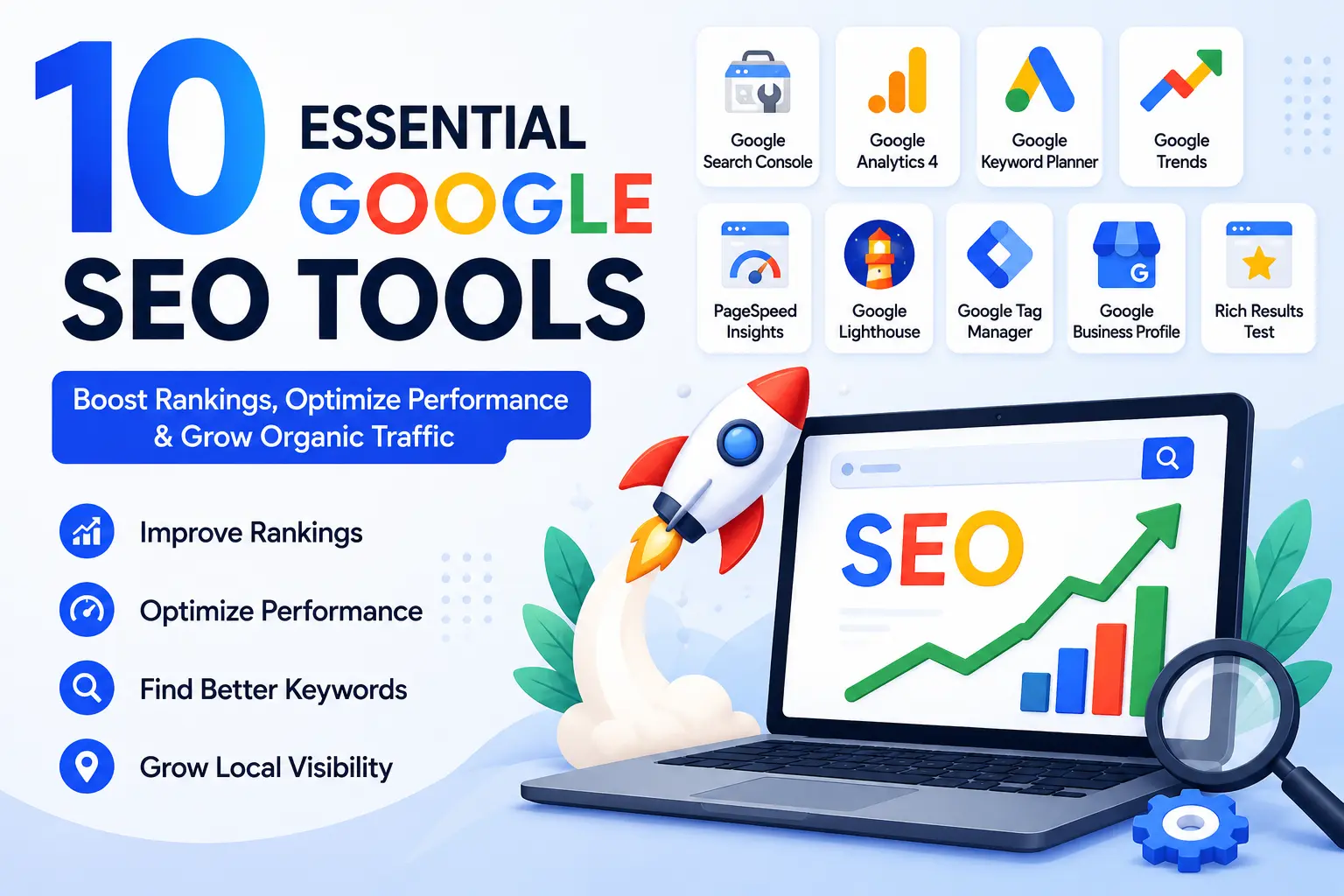
Google SEO Tools: The Complete Guide to Boosting Your Website Rankings in 2026
Search Engine Optimization (SEO) has become one of the most important digital marketing strategies for businesses, bloggers, and website owners. With millions of websites competing for visibility on search engines, ranking on the first page of Google requires a combination of quality content, technical optimization, and continuous performance monitoring.
Fortunately, Google provides a powerful suite of free SEO tools that can help website owners improve their search engine rankings, understand user behavior, identify technical issues, and discover valuable keyword opportunities.
In this comprehensive guide, we will explore the most important Google SEO tools, their features, benefits, and how they contribute to a successful SEO strategy.
What Are Google SEO Tools?
Google SEO tools are a collection of free and premium tools provided by Google to help website owners optimize their websites for search engines. These tools provide insights into website performance, keyword opportunities, indexing status, page speed, user experience, and much more.
Using Google SEO tools allows businesses to:
- Improve website visibility
- Monitor keyword rankings
- Analyze website traffic
- Fix technical SEO issues
- Optimize website speed
- Enhance user experience
- Increase conversions and organic traffic
Why Google SEO Tools Are Important
Google processes billions of searches every day. To rank higher in search results, website owners need accurate data and actionable insights.
Google SEO tools help you:
Understand How Google Views Your Website
Tools such as Google Search Console reveal indexing issues, crawl errors, and search performance data.
Discover Keyword Opportunities
Keyword research tools help identify search terms your audience is actively using.
Improve User Experience
Google’s ranking algorithms increasingly prioritize user experience metrics such as page speed and mobile responsiveness.
Track SEO Performance
SEO is not a one-time activity. Regular monitoring helps identify opportunities and maintain rankings.
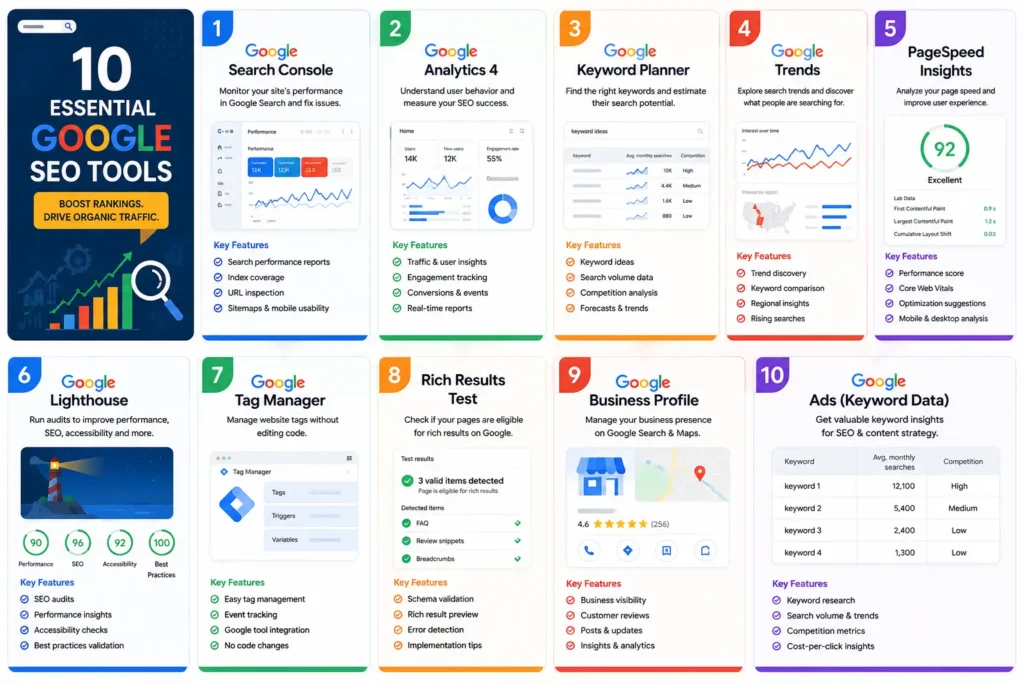
1. Google Search Console
Google Search Console is arguably the most important SEO tool available today.
It helps website owners understand how their website performs in Google Search and identify issues that may affect visibility.
Key Features
Search Performance Reports
it tracks:
- Clicks
- Impressions
- Click-Through Rate (CTR)
- Average Position
URL Inspection Tool
Check whether a page is indexed and view crawling details.
Sitemap Submission
Submit XML sitemaps to help Google discover website pages faster.
Core Web Vitals
Monitor user experience signals such as:
- Largest Contentful Paint (LCP)
- Interaction to Next Paint (INP)
- Cumulative Layout Shift (CLS)
Mobile Usability Reports
Identify mobile experience issues affecting rankings.
Benefits
- Improved indexing
- Better keyword insights
- Technical SEO monitoring
- Enhanced website visibility
2. Google Analytics 4 (GA4)
Google Analytics 4 provides detailed insights into visitor behavior and website performance.
Unlike traditional SEO tools, GA4 focuses on user engagement and conversions.
Key Features
Traffic Analysis
Understand where visitors come from:
- Organic Search
- Social Media
- Direct Traffic
- Referral Traffic
User Engagement
Analyze:
- Session duration
- Engagement rate
- Page views
- Conversion events
Conversion Tracking
Measure important actions such as:
- Form submissions
- Purchases
- Newsletter signups
Benefits
- Better content optimization
- Improved conversion rates
- Understanding user behavior
- SEO performance measurement
3. Google Keyword Planner
Keyword research is the foundation of every successful SEO strategy.
Google Keyword Planner helps identify valuable search terms and estimate their search volume.
Features
Keyword Discovery
Generate new keyword ideas related to your niche.
Search Volume Analysis
Estimate monthly search volume.
Competition Analysis
Evaluate keyword competitiveness.
Seasonal Trends
Identify search demand fluctuations.
Benefits
- Better keyword targeting
- Content planning
- SEO campaign development
- Search demand analysis
4. Google Trends
Google Trends helps marketers identify trending topics and seasonal search patterns.
Features
Trend Comparison
Compare multiple keywords simultaneously.
Geographic Analysis
Understand regional search popularity.
Trending Searches
Discover emerging topics.
Seasonal Insights
Identify recurring trends.
Benefits
- Content planning
- Trend forecasting
- Keyword validation
- Market research
5. PageSpeed Insights
Website speed is a confirmed ranking factor and a critical user experience metric.
PageSpeed Insights evaluates website performance and provides recommendations.
Metrics Analyzed
Largest Contentful Paint (LCP)
Measures loading performance.
Interaction to Next Paint (INP)
Measures responsiveness.
Cumulative Layout Shift (CLS)
Measures visual stability.
Common Recommendations
- Compress images
- Minify CSS and JavaScript
- Enable browser caching
- Improve server response times
Benefits
- Faster websites
- Better rankings
- Improved user experience
- Higher conversion rates
6. Google Lighthouse
Google Lighthouse is an auditing tool integrated into Chrome DevTools.
It evaluates:
- SEO
- Performance
- Accessibility
- Best Practices
SEO Audit Features
Lighthouse checks:
- Meta tags
- Structured data
- Mobile friendliness
- Crawlability
Benefits
- Technical SEO improvements
- Performance optimization
- Accessibility compliance
7. Google Tag Manager
Google Tag Manager simplifies website tracking without requiring direct code modifications.
What It Does
Tag Manager helps deploy:
- Google Analytics
- Meta Pixel
- Google Ads Tracking
- Event Tracking
SEO Benefits
Although not a direct ranking tool, GTM helps measure:
- Scroll depth
- Form submissions
- User interactions
- Conversion tracking
This data helps improve user experience and content effectiveness.
8. Google Rich Results Test
Structured data helps search engines better understand website content.
The Rich Results Test validates schema markup implementation.
Supported Rich Results
- FAQs
- Reviews
- Products
- Recipes
- Events
- Articles
Benefits
- Rich snippets
- Higher click-through rates
- Improved search visibility
9. Google Business Profile
For local businesses, Google Business Profile is essential.
It helps businesses appear in:
- Google Maps
- Local Search Results
- Knowledge Panels
Optimization Tips
- Complete profile information
- Add photos regularly
- Collect customer reviews
- Update business hours
Benefits
- Local SEO visibility
- Increased foot traffic
- Better customer engagement
10. Google Ads for SEO Research
Although primarily a paid advertising platform, Google Ads provides valuable SEO insights.
Benefits
- Keyword research
- Search intent analysis
- Conversion data
- Competitor research
Many SEO professionals use Google Ads data to validate keyword opportunities before creating content.
Best Practices for Using Google SEO Tools
To maximize SEO performance, combine multiple tools instead of relying on just one.
Recommended Workflow
Step 1: Keyword Research
Use:
- Google Keyword Planner
- Google Trends
Step 2: Content Optimization
Focus on:
- High-quality content
- Keyword placement
- Internal linking
- Image optimization
Step 3: Technical SEO
Use:
- Google Search Console
- Lighthouse
- Rich Results Test
Step 4: Performance Optimization
Use:
- PageSpeed Insights
- Core Web Vitals reports
Step 5: Analytics and Tracking
Use:
- Google Analytics 4
- Google Tag Manager
Step 6: Local SEO
Use:
- Google Business Profile
Common SEO Mistakes to Avoid
Many website owners make avoidable SEO mistakes.
Avoid:
- Keyword stuffing
- Duplicate content
- Slow-loading pages
- Missing meta descriptions
- Poor mobile responsiveness
- Broken internal links
- Ignoring Search Console warnings
Using Google SEO tools regularly can help identify and fix these issues before they affect rankings.
Google SEO tools provide everything needed to build, monitor, and improve a successful SEO strategy. From keyword research and technical audits to analytics and local SEO, these tools help website owners understand how search engines and users interact with their websites.
Whether you are a blogger, digital marketer, e-commerce business owner, or SEO professional, leveraging Google SEO tools can significantly improve your website’s visibility, traffic, and overall online success.
By combining Google Search Console, Google Analytics 4, Google Keyword Planner, Google Trends, PageSpeed Insights, Lighthouse, Tag Manager, Rich Results Test, and Google Business Profile, you can create a comprehensive SEO strategy that drives sustainable organic growth and helps your website rank higher in Google search results.
Need Help Growing Your Brand Visibility?
If you want to rank stronger, build authority, and dominate branded searches, connect with a digital marketing specialist in Kerala who understands both traditional SEO and modern strategies like AEO & GEO.